





PEX + Blackbaud
Simplify
nonprofit accounting
Reduce manual work and keep every expense aligned with your mission through direct PEX-to-Blackbaud synchronization

Connect to Blackbaud with a direct integration
Manage your team’s spending across vendor payments, operational expenses and day-to-day purchases with our seamless integration to Blackbaud Financial Edge NXT. Enjoy hassle-free reconciliation included in your PEX subscription.
AI-powered workflows

Speed up month-end with AI-powered receipt capture and GL-coding, and built-in reimbursement support—helping your team stay accurate and compliant with less manual work
Flexible customization

Tailor spend rules, card controls and program structures to fit your organization’s unique operational and accounting needs
True 2-way sync

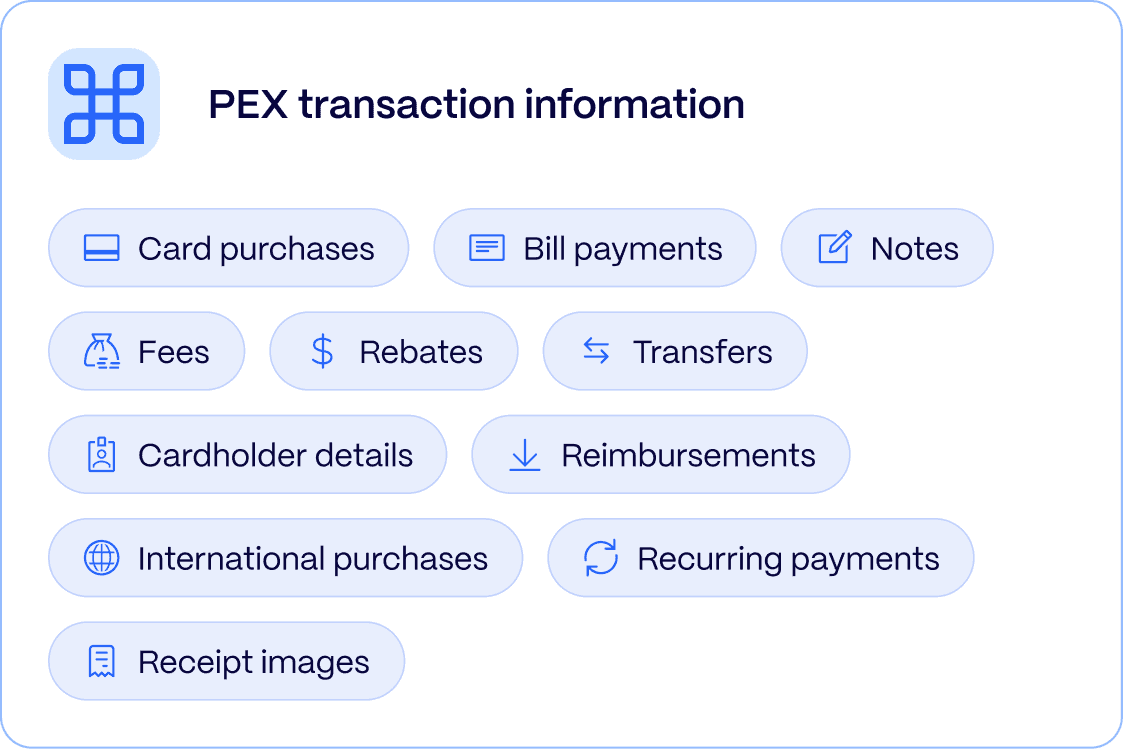
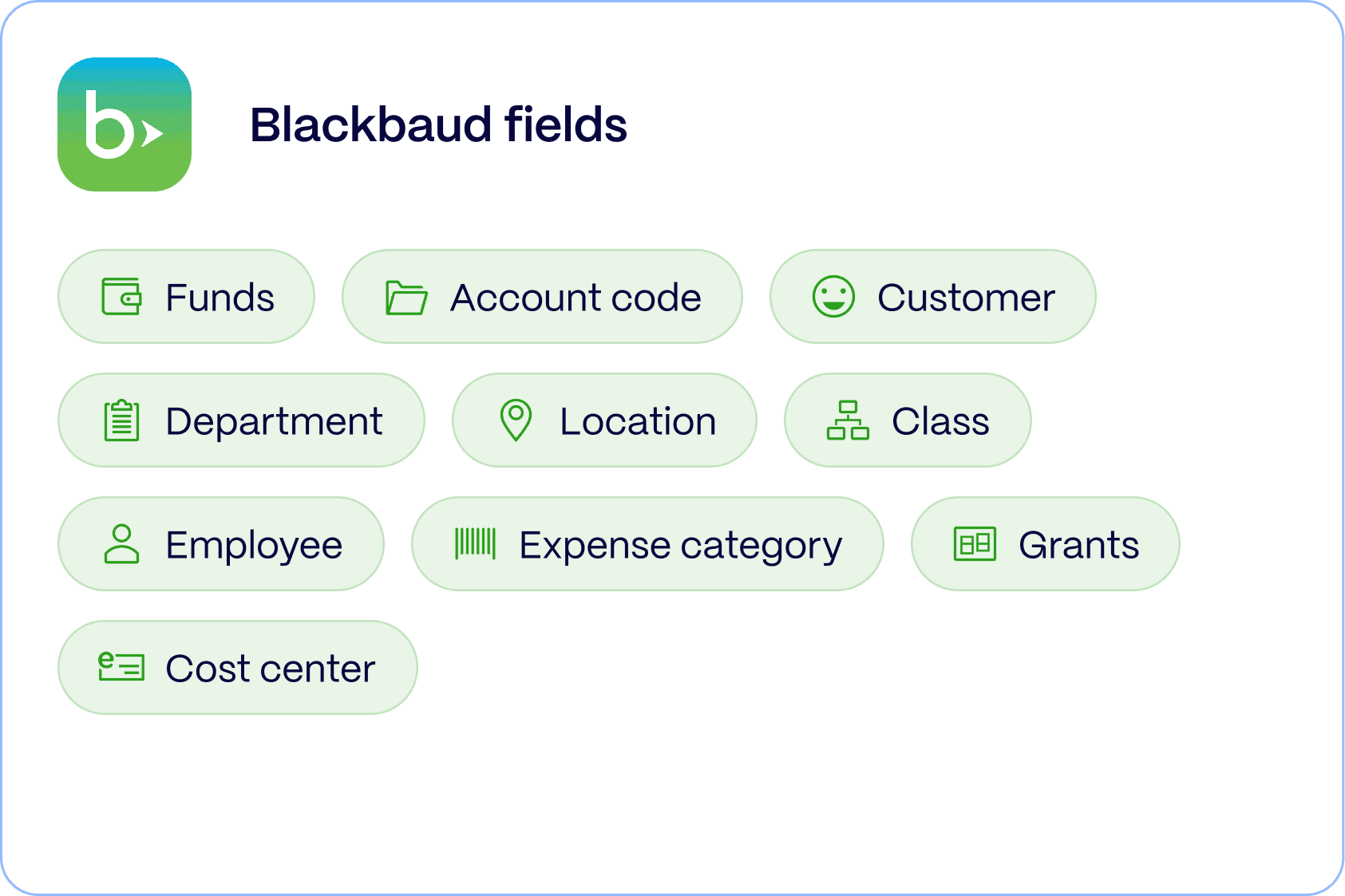
Automatically sync GL codes and programs from Blackbaud into PEX, then sync cardholder purchases and reimbursements back into Blackbaud to ensure accurate reporting without manual corrections or one-way exports
Nonprofit-ready audit trail

Every receipt, note and GL-code flows directly into your journal entries—strengthening accountability and simplifying grant, fund and donor reporting
Set up is a breeze
Watch how the PEX Blackbaud integration transforms your month-end process from hours of manual work to automated perfection in just minutes

Additional features
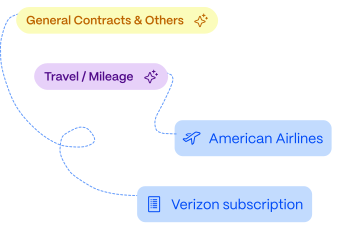
Automapping in real time
Embedded automation connects your Blackbaud setup directly to PEX, auto-mapping tags and GL-codes so your finance team can focus on strategic decisions, not data entry
Match fields on a 2-way sync

Experience the power of intelligent automation
We can get you up and running quickly with features designed to streamline your financial processes and eliminate manual work.
2-way sync
Automatically update GL codes in PEX based on your Blackbaud chart of accounts. View all purchases, fees, reimbursements and payments directly in your ledger—no manual exporting required.

Automated receipt syncing
Receipt images are stored directly within the Journal Entry batch in Financial Edge NXT, keeping every transaction audit-ready and fully documented for grants and donor reporting.
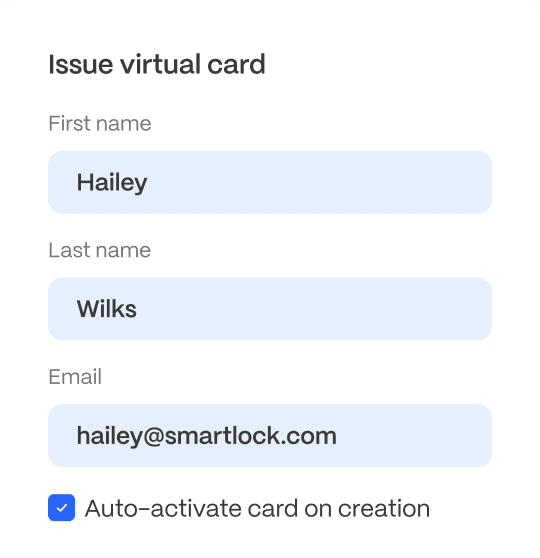
Flexible customization
Customize spend controls, card settings and program structures to match how your organization operates.
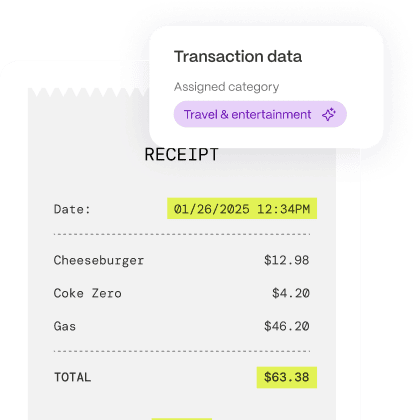
Streamlined tagging
Use AI-powered tagging and rule-based auto tagging to code transactions faster. Group-based tags and tag-based filters align with your Blackbaud account structure to reduce errors and maintain clean reporting.
Need custom field mapping?
Our integration team can work with you to create custom field mappings for your specific business requirements, and at no extra cost.
Frequently asked questions
Got questions about the PEX Blackbaud integration? We’ve got answers. Find everything you need to know about setup, security, and ongoing support.
PEX provides direct customer success manager for the PEX platform and the Blackbaud integration. Our support team assists with setup, troubleshooting, and ongoing questions. Blackbaud continues to support FE NXT–specific functionality, while PEX ensures the integration runs smoothly on our side.
Discover more integrations
PEX connects with leading accounting and ERP systems to streamline your financial operations. Find the perfect integration for your business needs.

Quickbooks Desktop
Import PEX data into QuickBooks Desktop to streamline bookkeeping
- Accounting
- Construction

NetSuite
Sync purchases and receipts daily to Oracle NetSuite. Track expenses against customers, vendors, departments, locations & classes
- Accounting
- Construction
- Nonprofit

Sage Intacct
Sync PEX receipts and transactions into Sage Intacct to ease expense management reconciliation
- Accounting
- Construction

Xero
Sync PEX receipts and transactions into Xero for faster expense management and reconciliation
- Accounting

Microsoft Dynamics
Export PEX transactions into Microsoft Dynamics Business Central for faster expense reconciliation
- Accounting
-
QuickBooks Online
Create PEX Vendor cards from QuickBooks and get nightly transaction imports with receipts
- Accounting
- Construction